Upload Any Photo
Turn portraits, pets, travel, and products into clean paint-by-numbers templates in minutes.
DIY paint-by-numbers · India
Upload, generate, review, pay via UPI, and unlock verified downloads. Built for beginners and creators who want clear regions and calm painting time — custom painting support is available too.
Try it for free — includes a full working preview before payment.
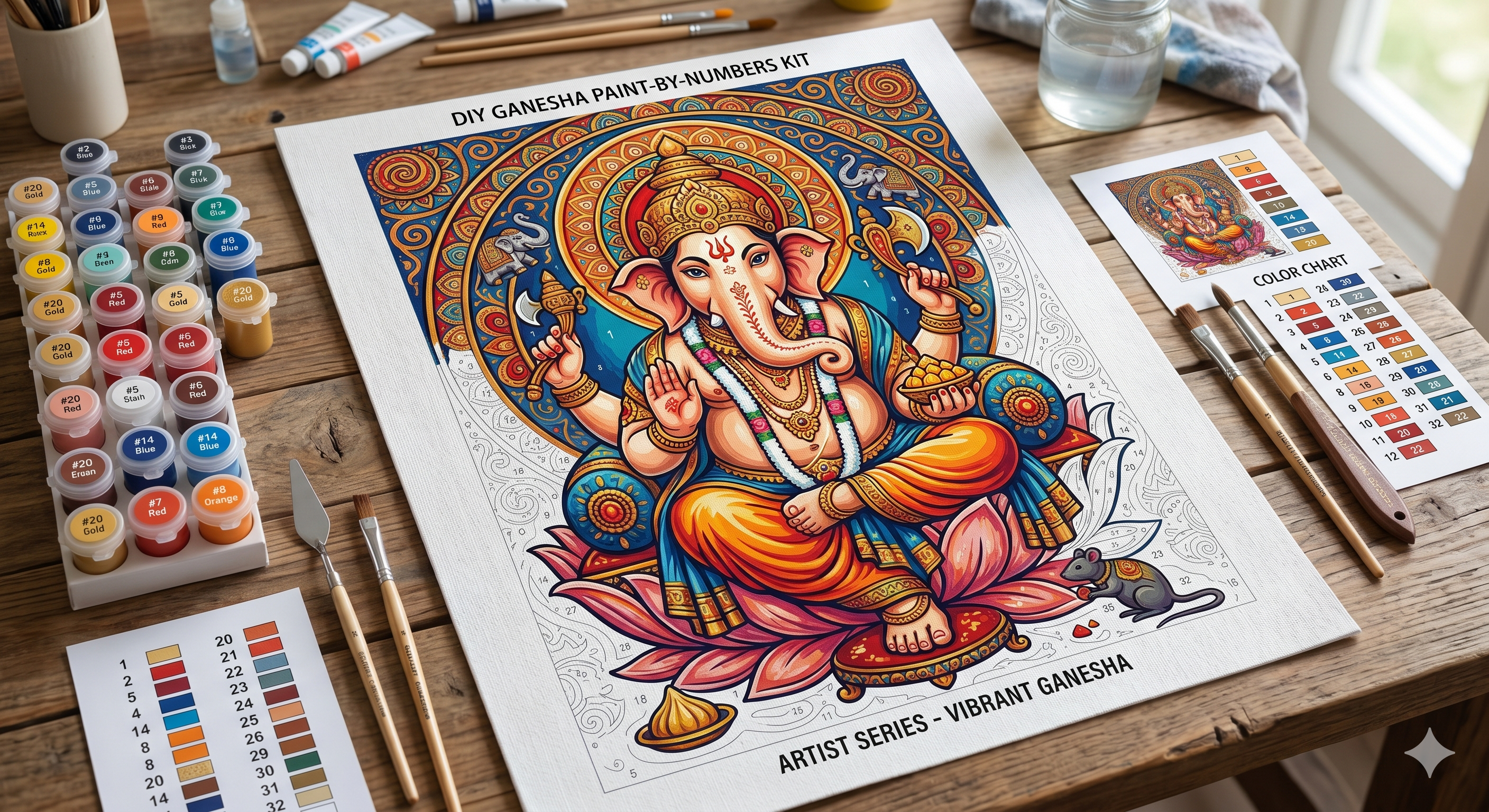
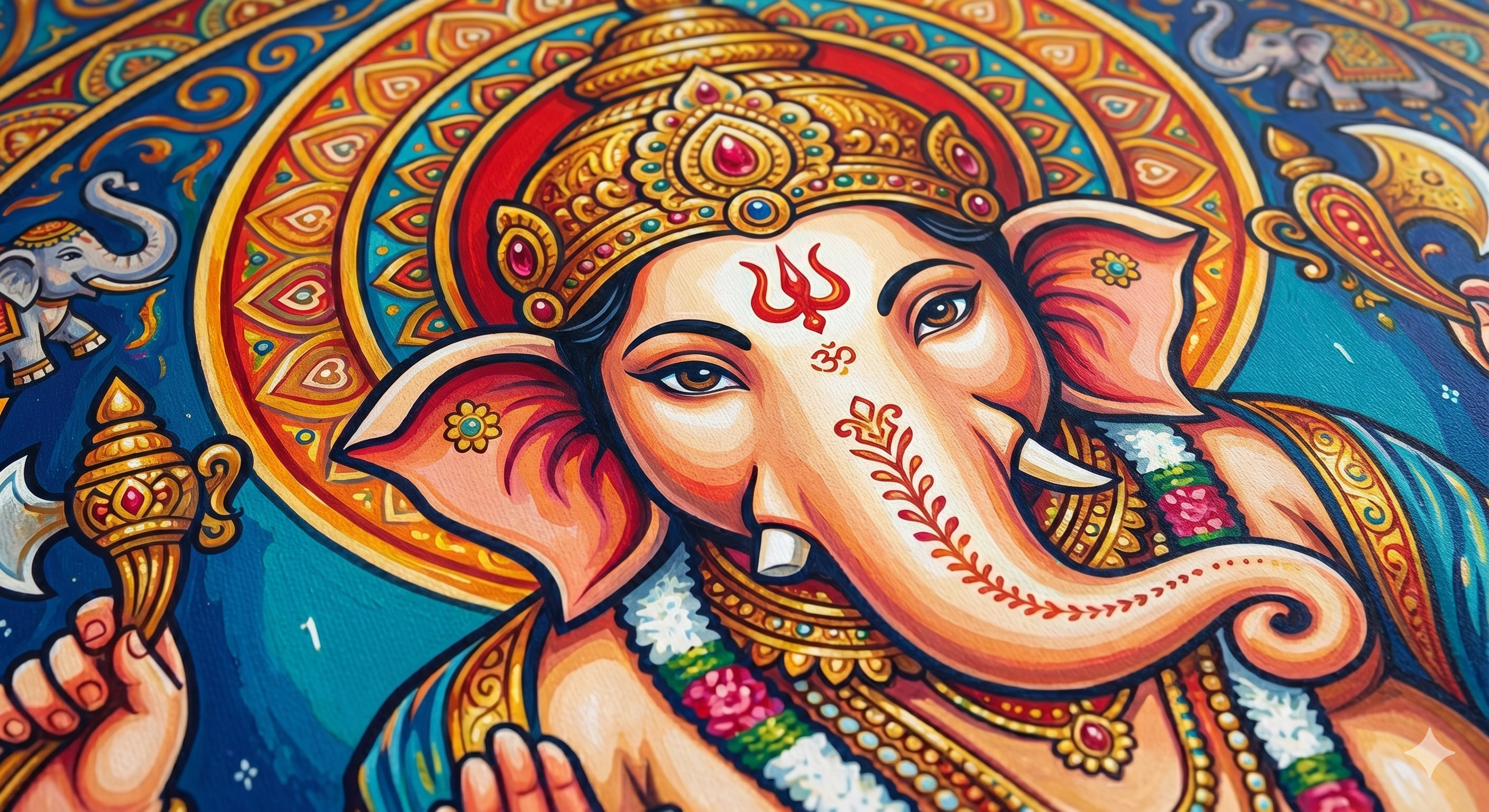
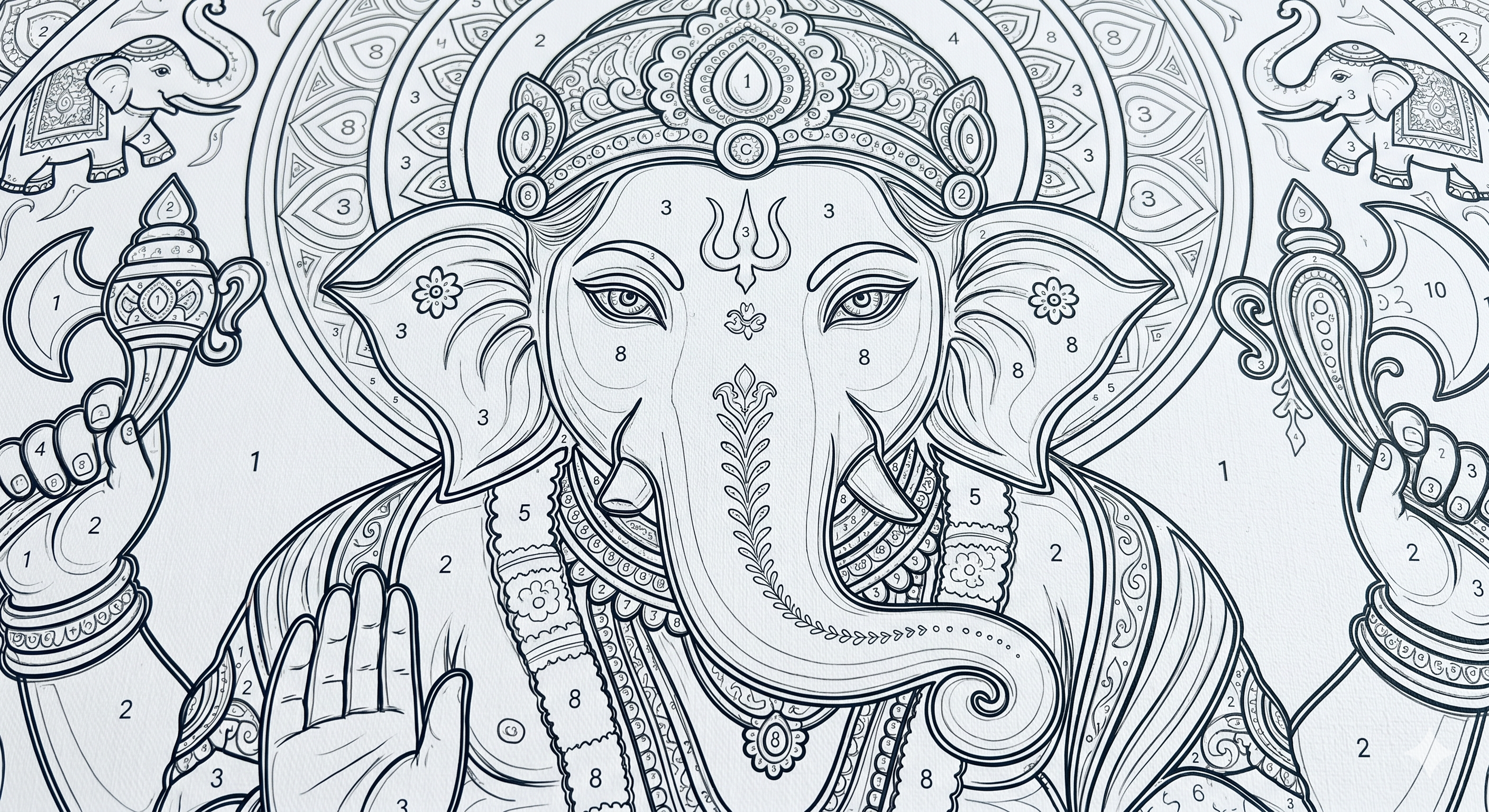
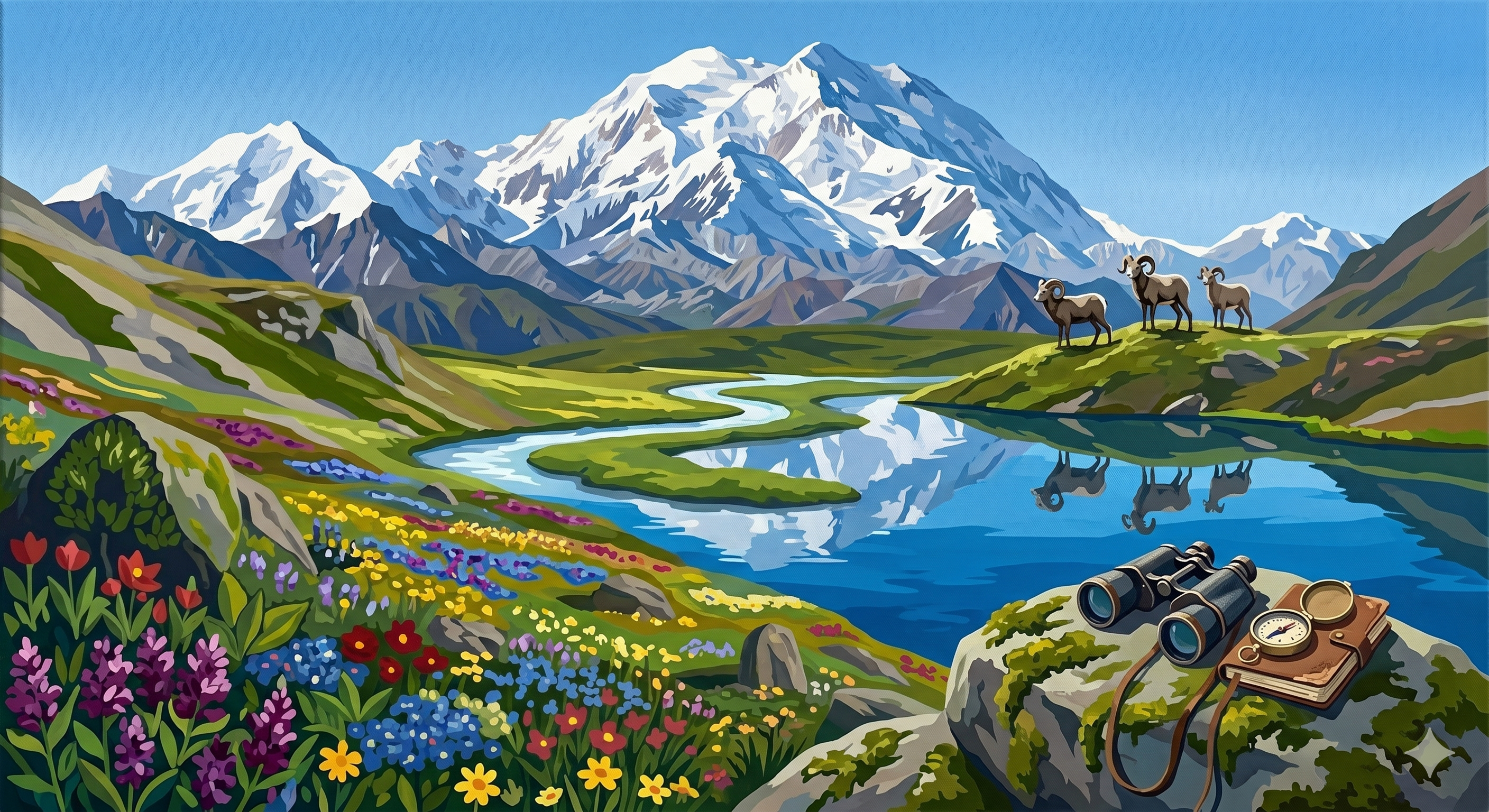
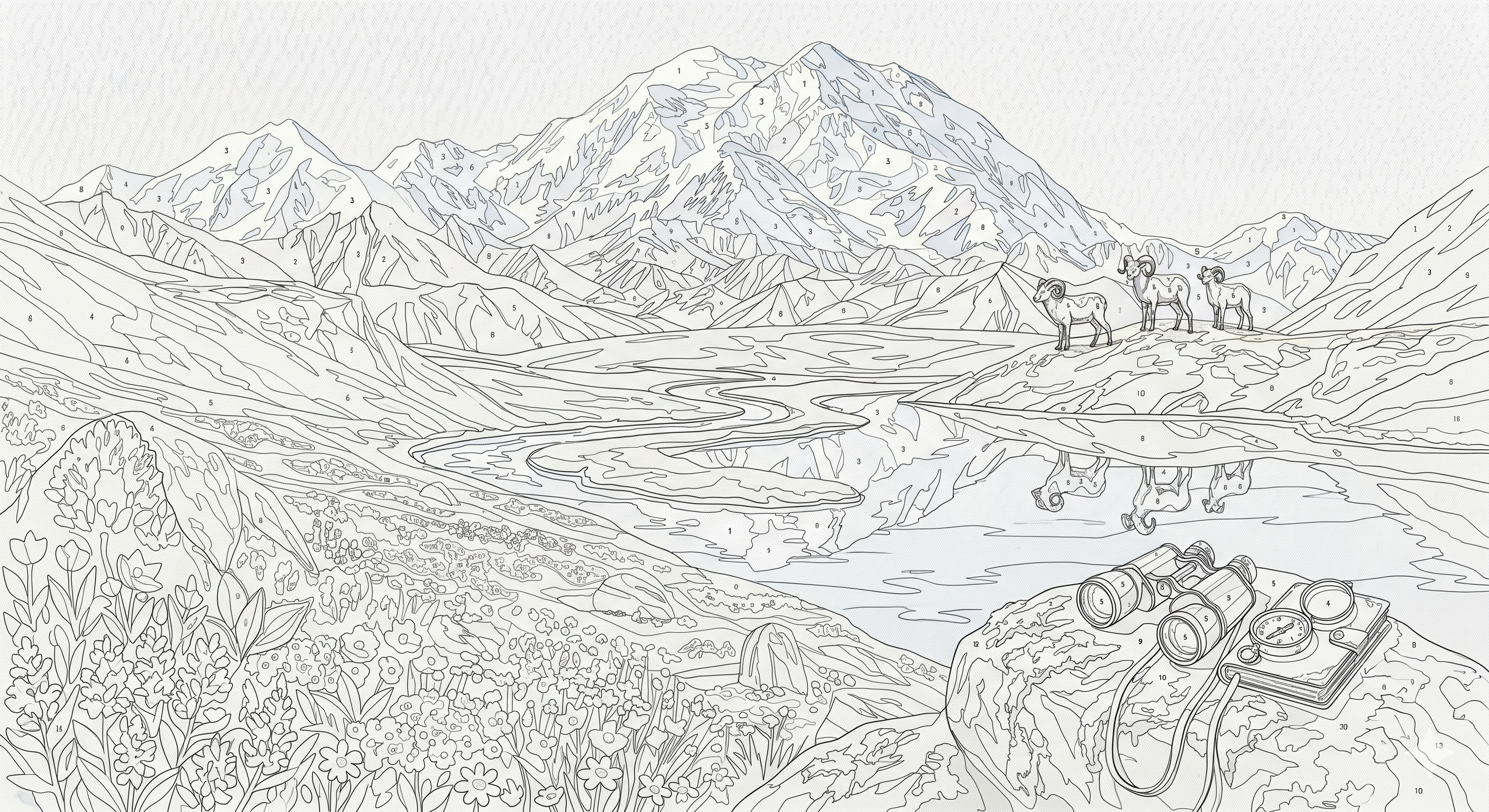
Anyone can paint — start from a photo you love
We turn your picture into numbered regions and a clear palette so painting feels doable, not intimidating.
Turn portraits, pets, travel, and products into clean paint-by-numbers templates in minutes.
Need a premium hand-finished look? Request custom painting support for special gifts and display pieces.
Get simplified colour regions with marker-mix guidance and print-ready palette references.
Start with a reasonable base price, then scale via HD and commercial packs.
Rs. 49
Single downloadable file pack for personal use.
Rs. 149
High-resolution exports + tiled PDFs for larger prints.
Rs. 499
Commercial usage rights for client and product projects.
Follow this practical procedure to generate paint-by-numbers outputs with cleaner regions and better print quality.
What to do: Upload a clear image with one strong subject and balanced lighting.
Why it matters: Cleaner source image gives cleaner paint regions and better color matching.
Pro tip: Portrait mode photos with blurred backgrounds usually convert better.
What to do: Frame your subject clearly and use focus boxes for important details.
Why it matters: Good framing reduces tiny unwanted regions and preserves key shapes.
Pro tip: Keep at least 70-80% of the canvas focused on your main subject.
What to do: Start with 36 colors, then try 24 or 48 depending on simplicity/detail needs.
Why it matters: Color count controls painting difficulty and visual fidelity.
Pro tip: 24-36 is easiest for beginners; 48+ gives richer gradients but more effort.
What to do: Generate once, inspect region clarity, palette readability, and edges.
Why it matters: A quick review helps avoid spending time on a hard-to-paint output.
Pro tip: If there are too many tiny shapes, reduce color count or simplify crop.
What to do: Use PNG for normal use, SVG for sharp scalable print, PDF for print workflow.
Why it matters: Correct format gives better print quality and easier painting.
Pro tip: Use tiled A3/A4 PDFs for large canvases to trace accurately.
Lower color count (e.g., 36 -> 24), crop tighter around the subject, and avoid noisy source images.
Use sRGB PNG inputs, avoid heavily edited filters, and try another output style for better tone mapping.
Prefer SVG/PDF for print. Use PNG for quick preview or digital sharing.
Use strong contrast subjects, clean backgrounds, moderate color count, and verify region readability before export.